Use the Pomodoro Method to Sit Less and Move More
Prolonged sitting is an independent health risk. The Pomodoro method's built-in breaks are an easy way to move more during your workday.

You’ve probably heard that sitting too much isn’t great for you—maybe even that “sitting is the new smoking.” And it’s true that multiple studies show prolonged, uninterrupted sitting is an independent health risk—meaning it can still cause harm, even if you exercise regularly. But for all of us stuck at our desks and glued to our screens, it can be tough to find time to get up and move around throughout the day, but a popular productivity method may help you do just that.
To start, consider reframing your goal away from “move more” and instead focus on the goal of “sit less.” To do this, I recommend a little help from the tried-and-true Pomodoro method.
How to Use the Pomodoro Method for Your Health Goals
If you’ve ever struggled with focus, procrastination, or managing your time at work, you may already be familiar with the Pomodoro method, which creates a framework to help you break up periods of intense focus with regularly scheduled breaks. It’s one of the most popular and well-tested productivity methods in the world, and it works for fitness goals, too.
Here’s how the Pomodoro method typically works:
- Choose a task to work on.
- Set a timer for 25 minutes and work with complete focus until the timer goes off.
- Take a five-minute break.
- Repeat. After four cycles (called “pomodoros”), you’ll take a longer break, usually 15 to 30 minutes.
There are a lot of reasons this method works for productivity in general. I know that whenever I have a writing deadline, the timer works because it creates urgency within short, manageable windows. For our health goals, however, I want to shift our attention to those five-minute breaks.
Use Your Pomodoro Breaks to Get Up and Move Around
Every time that timer goes off, instead of rewarding yourself with a “treat” like checking your Instagram feed or browsing Reddit, get up and move around. Don’t fret—no one is telling you to do burpees between spreadsheets or drop for push-ups on a conference call. The goal is simply to break up the sitting. Stand, shuffle your feet, and simply get your blood circulating for five minutes before returning to your desk.
If you’re stuck on what to do during your five-minute Pomodoro breaks, here are some simple options that require no equipment and no gym clothes:
- Walk to the kitchen and back.
- Do 10 to 15 bodyweight squats.
- Stand and do calf raises while looking out a window.
- Walk up and down a flight of stairs.
- Do a simple standing stretch routine for your hips, back, and shoulders.
- Pace your office while you make a quick phone call.
Here’s how this might look in practice: You sit down at your desk at 9 a.m. You open your Pomodoro app, pick your first task, and start the timer. You work until 9:25, when the timer goes off. You stand up, stretch your legs, do a quick lap around your home or office, and sit back down at 9:30. Repeat. By noon, you’ve taken four breaks—enough to make a difference in reducing the health risks associated with prolonged sitting. There’s no one magic number, so experiment with your breaks and see what works for you. You might even find these breaks make you more productive when you get back to work—that’s the theory behind the Pomodoro method, after all.
The Best Apps to Help You Stick to the Pomodoro Method
The Pomodoro method only works if you actually follow the timer, which is all too easy to override whenever you want. That’s why using a dedicated app is the best way to stick to your goals here. A few apps worth considering:
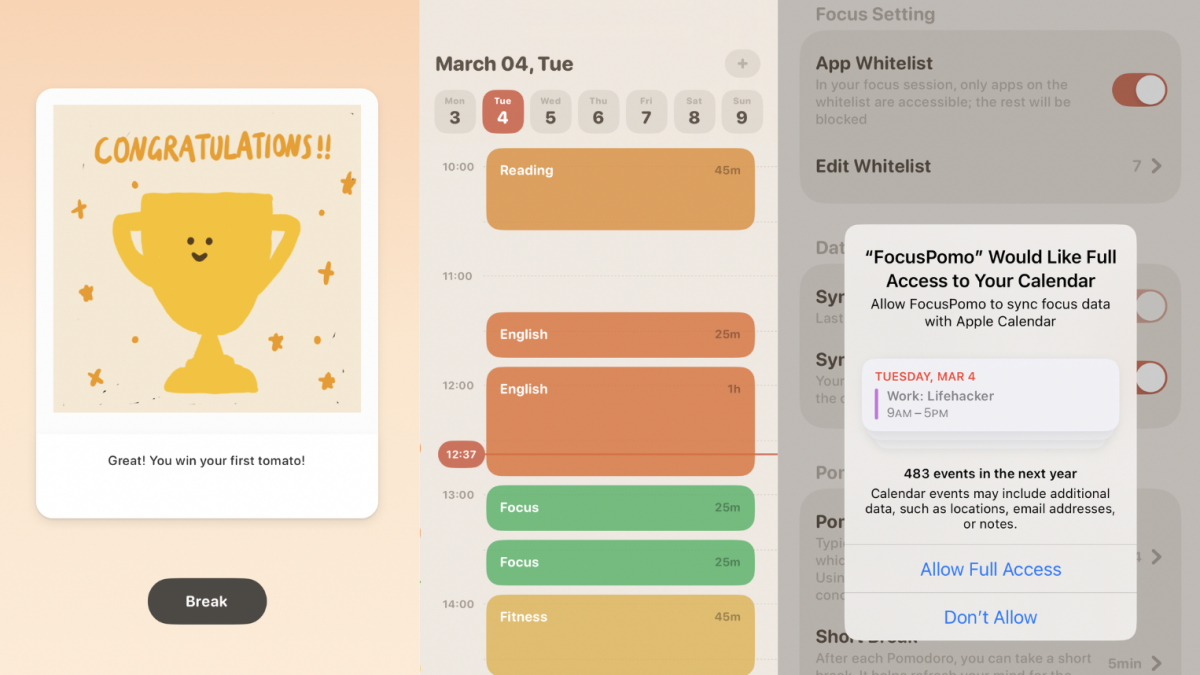
- FocusPomo is a Lifehacker favorite. It neatly displays the full Pomodoro workflow, complete with task tracking and session history so you can look back and see exactly how many focused blocks you completed in a day.
- Tomato 2 lives in your menu bar and manages your Pomodoro cycles automatically. It tracks your sessions, lets you customize interval lengths, and sends you a notification when it’s time to take a break.